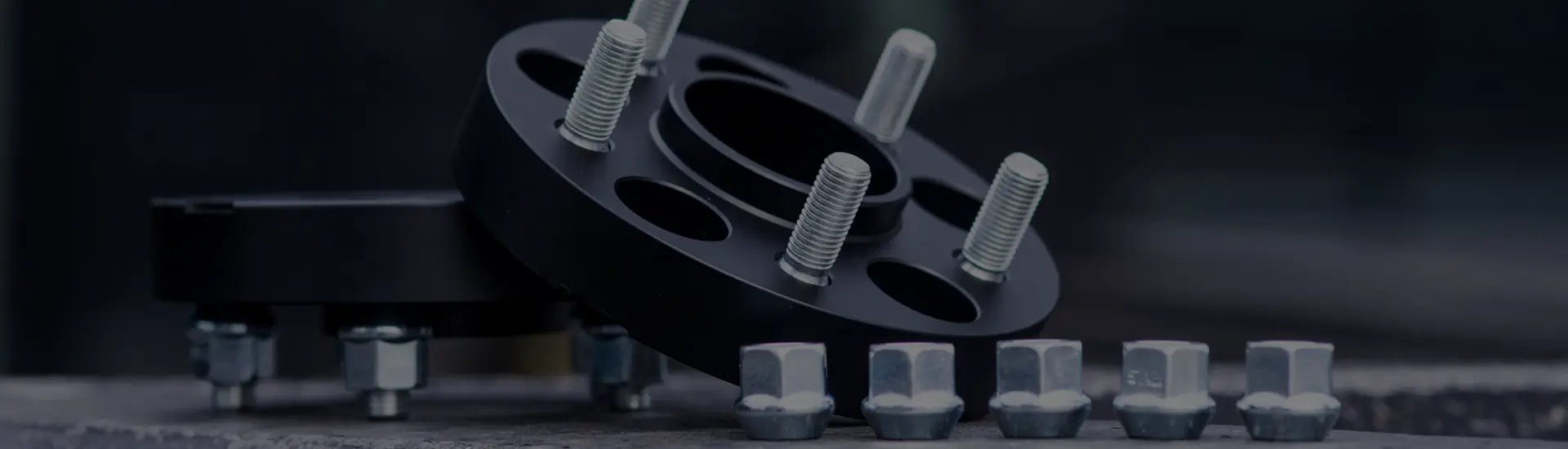

Can wheel spacers come loose?
A spacer does not tighten itself. The fasteners clamp a stack of metal faces together. If the stack never seats correctly or loses clamp force, the assembly can move.

Do not diagnose looseness with another road test
Stop as soon as it is safe. Do not keep adding torque by feel, and do not drive farther to make the symptom easier to hear. A qualified workshop should inspect the wheel, spacer, hub and fasteners before the vehicle returns to service.
The loose part may be the wheel, the spacer attachment, or both
"The spacer is loose" describes a symptom. The fastening path depends on whether the part is a slip-on spacer or a bolt-on spacer or adapter.
Slip-on spacer
The vehicle studs or wheel bolts pass through the wheel and spacer into the original hub connection. There is one fastener set, but two contact interfaces: hub to spacer and spacer to wheel.
Spacer thickness changes the available fastener length and may change how much hub pilot remains available to locate the wheel.
Bolt-on spacer or adapter
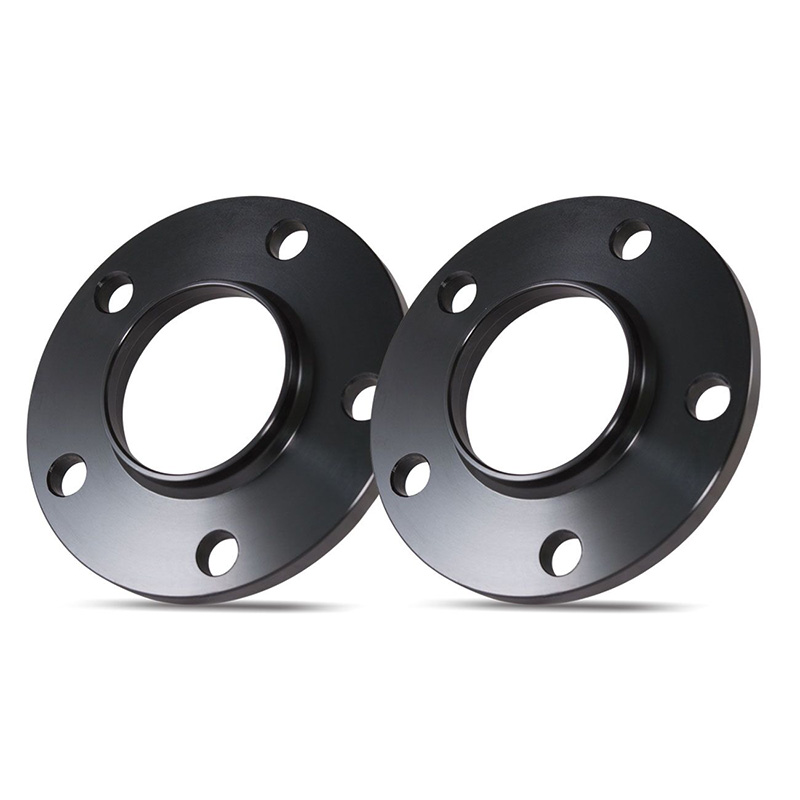
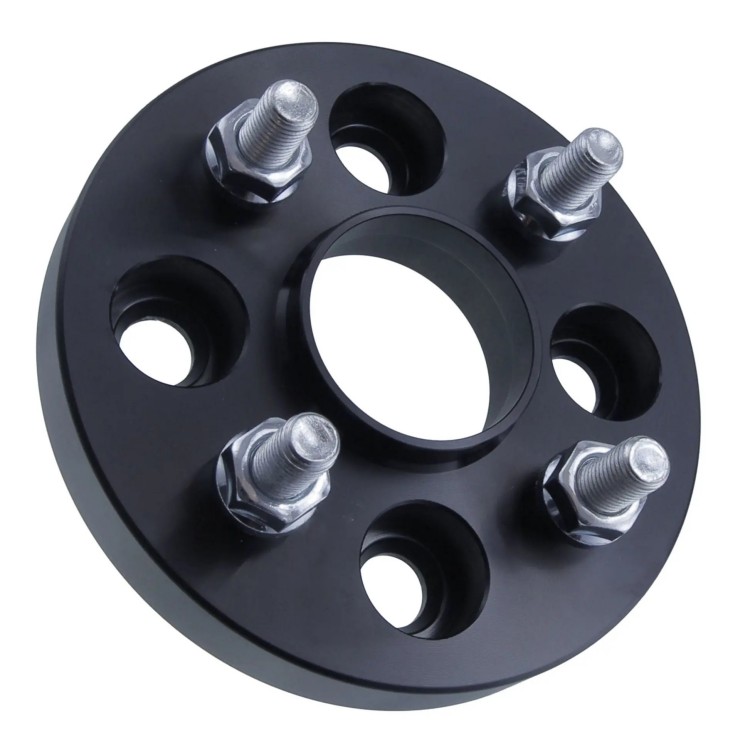
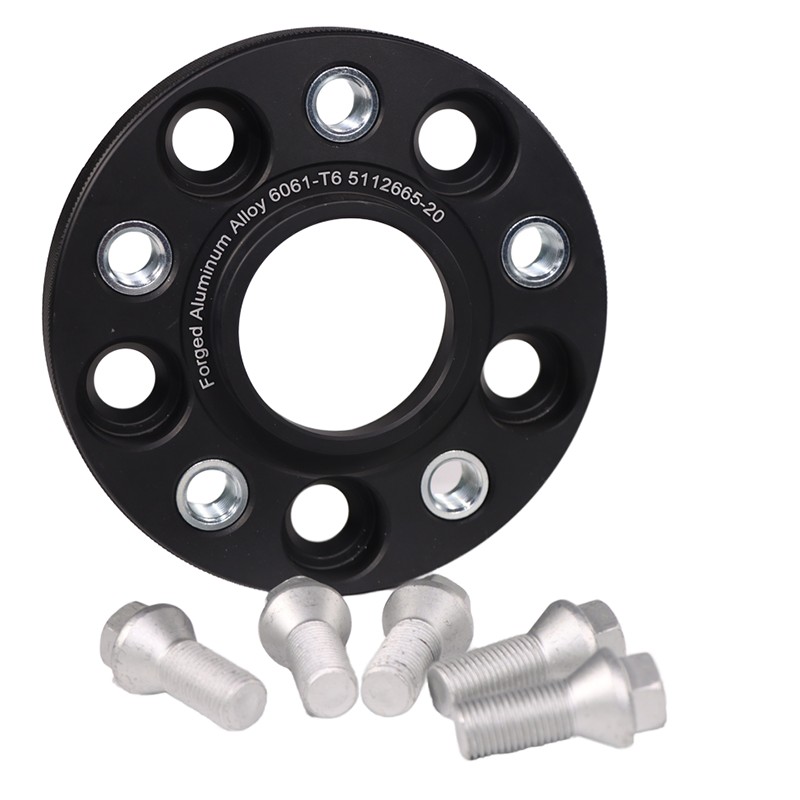
The spacer first attaches to the hub. The wheel then attaches to studs or threads on the spacer. The assembly has two independent fastener sets and two clamped interfaces.
A wheel can be tight to the spacer while the spacer-to-hub joint is wrong. Both joints require their own specification and inspection.
The slip-on versus bolt-on guide maps the different hardware paths. Use it before applying one installation rule to both designs.
Torque is the input; clamp force holds the interfaces together
Turning a nut or bolt stretches the fastener and compresses the joint. The resulting preload creates clamp force. Applied torque is only an indirect way to produce that preload, and friction at the threads and seat affects the relationship. NASA's Fastener Design Manual treats initial preload, vibration, fatigue, corrosion, lubrication and torque as connected design variables rather than interchangeable numbers. [1]
This is why a torque wrench reading cannot prove that a wheel or spacer was flat before tightening. A bolt that bottoms in a blind hole, a nut that contacts an unthreaded shank, or a wheel resting on a projecting stud can reach resistance without producing the intended clamp at the mating face.
Eight conditions can make a correctly shaped spacer part of an incorrect joint
-
Rust, dirt, paint or a retaining clip holds one face awayThe spacer may appear installed while a small raised feature prevents full contact. Tightening can crush or shift contamination and leave a different clamp condition after the first drive.
-
The bore, lip, radius or chamfer bottoms firstA nominal center-bore match does not prove that mating profiles have enough height and relief. The part can rock or stop before the broad faces meet.
-
Original studs or bolt heads contact the wheel back padSome bolt-on systems need wheel pockets. If the pocket is absent, too shallow or in the wrong location, the wheel clamps against hardware instead of the spacer face.
-
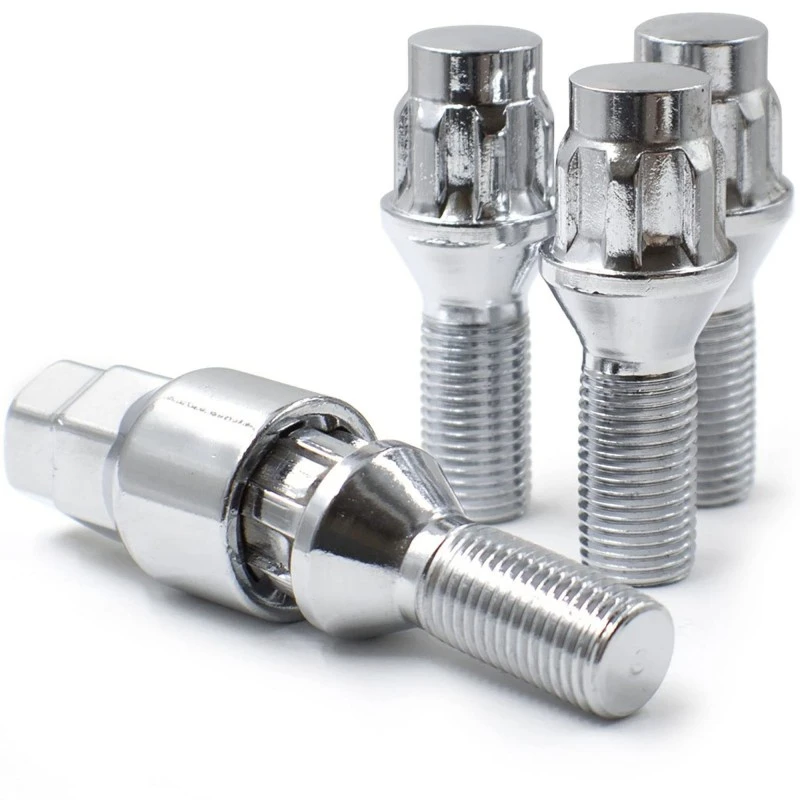
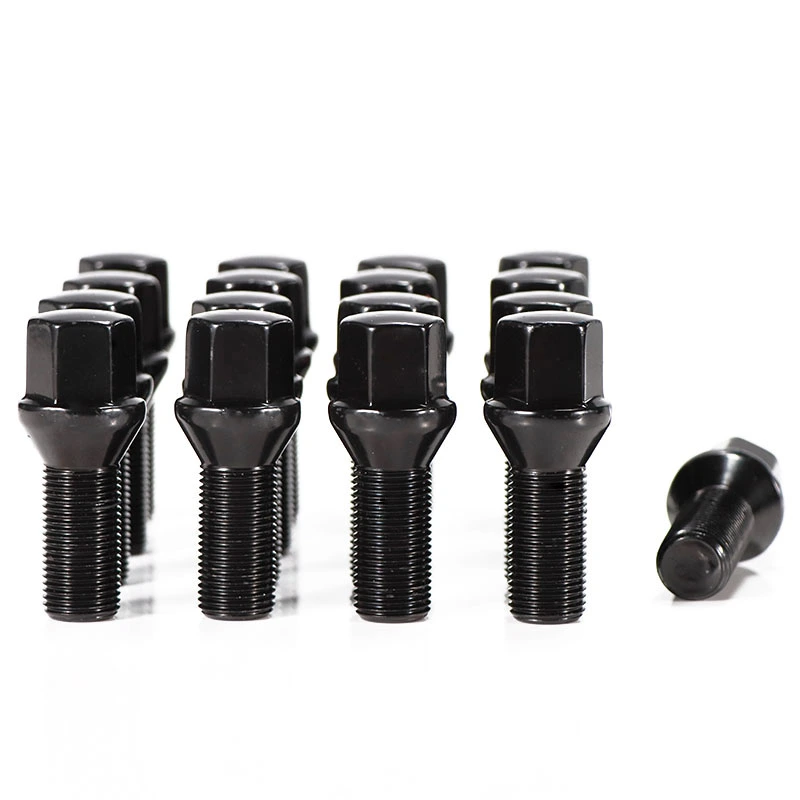
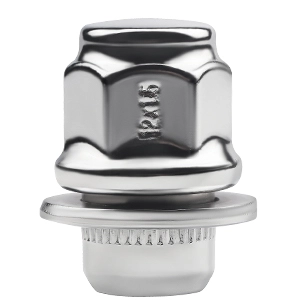
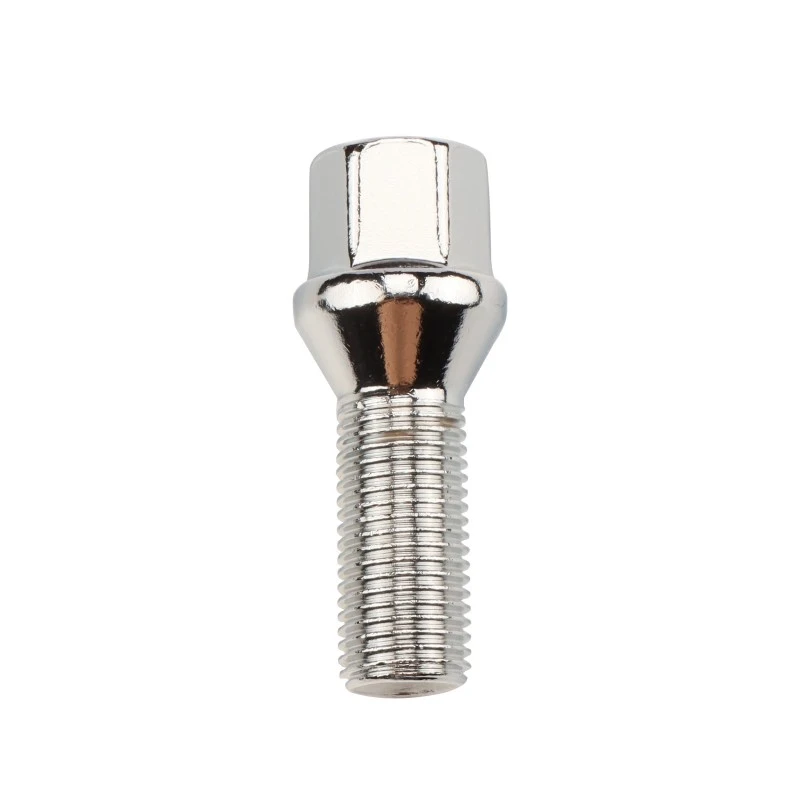
The thread or seat is wrongA conical seat, ball seat and flat seat are not substitutes. Thread diameter and pitch must also match. Binding during hand engagement is a stop signal.
-
The fastener is too long, too short or reaches the wrong featureToo little usable engagement cannot be repaired by a higher torque value. Excess length can bottom or contact vehicle components before correct clamping occurs.
-
Threads, seats, studs, nuts or bolts are damagedCorrosion, galling, stretching, impact damage or a deformed seat changes the connection. Follow the exact replacement criteria instead of judging by color alone.
-
Friction condition does not match the torque sourceOil, grease, anti-seize, coatings and debris can change friction. Do not lubricate threads or seats unless the controlling instructions specify the product, amount and location.
-
Tightening sequence, tool control or required recheck is missingOne fastener pulled down early can prevent even seating. Final tightening needs the specified pattern, stages and calibrated tool, followed by the exact product's inspection schedule.
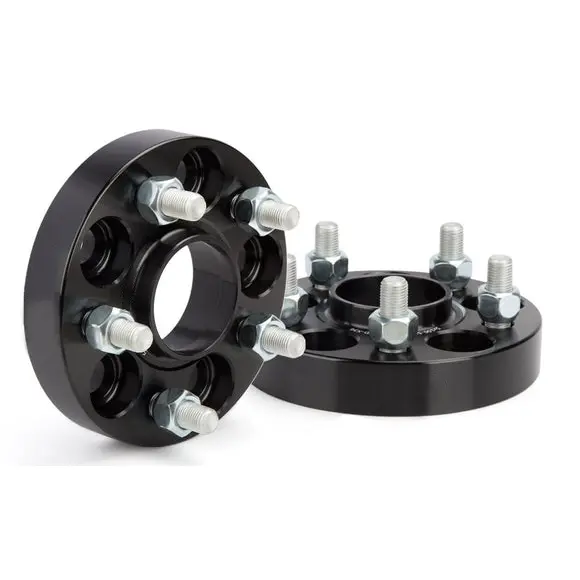

For a dimension-by-dimension check of the locating features, use the wheel spacer center-bore guide and the stud and bolt length guide.
A new noise or movement after wheel work is evidence, not a break-in phase
A load reversal can make relative movement audible. Do not assume the sound is harmless because it disappears at steady speed.
Looseness is one possible cause, but imbalance, runout, interference and other wheel-end faults can feel similar. Stop first, then diagnose.
Any gap between the broad mating faces or physical movement at the raised wheel is unacceptable. Witness marks need comparison with a controlled installation record.
Fresh debris or shiny arcs can indicate contact or movement. They identify a place to inspect, not the cause by themselves.
A repeated change needs root-cause inspection. Resetting the wrench and repeating the same installation does not explain why clamp condition changed.
These symptoms broaden the inspection to the complete wheel end, including tire clearance, brake components, hub, bearing and suspension.
The wheel spacer vibration guide separates seating and fastener faults from balance, runout and vehicle-side causes.
Preserve the evidence before anyone simply tightens the assembly again
Excess torque can damage hardware and erase useful evidence. A qualified technician should secure the vehicle, identify the exact spacer system and inspect both mounting faces and every fastener before deciding whether anything can be reused.
Photograph the assembly before cleaning when this can be done safely. Record which fastener set appeared affected, where deposits or witness marks sit, and whether the wheel back pad contacted the spacer or projecting hardware. Then clean and measure according to the vehicle, wheel and spacer instructions.
Eibach System 6 instructions require clean hub and wheel surfaces, a play-free dry fit, matching hardware, a torque wrench for final tightening and a stop if the fit check is unsatisfactory. The same document states that the vehicle workshop manual takes priority if information conflicts. [2]
There is no universal re-torque mileage for every wheel spacer
A recheck interval belongs to a particular product, fastener system and vehicle. Copying a distance from another brand or spacer type turns a controlled instruction into a guess.
Eibach's System 6 document calls for all fasteners and tightening torques to be checked after approximately 25 miles and again at 500 miles. That is a useful example of a system-specific schedule, not a universal rule. H&R's DR instructions likewise direct installers to use the vehicle, wheel and spacer approval information for the applicable torque and hardware conditions. [3]
| Record field | What to enter | Why it matters |
|---|---|---|
| Joint identity | Vehicle to spacer, spacer to wheel, or one through-fastened slip-on joint | Prevents one torque value from being assigned to the wrong fastener set |
| Controlling source | Vehicle manual, wheel instructions, spacer instructions and any applicable approval | Makes the value, condition and priority traceable |
| Hardware condition | Thread, pitch, seat, usable length, part identity and dry or specified lubricated state | Defines the friction and engagement condition behind the instruction |
| Tool record | Torque wrench identity, range and calibration status required by the workshop procedure | Separates a controlled measurement from an impact-tool setting |
| Recheck due | Exact time or distance named by the approved product and vehicle procedure | Prevents a remembered rule from replacing the actual instruction |
| Observed result | Noise, marks, movement, damage or other findings recorded before corrective work | Supports diagnosis if the clamp condition changes again |
Use the wheel spacer torque guide to build the source ladder for each joint. It explains why thread size alone cannot supply a safe generic torque.
A close hardware photo is useful only when it is tied to the complete stack

Photograph and record these views
- Clean hub face and hub pilot.
- Both spacer faces, inboard bore and outboard lip.
- Wheel back pad, center bore and every pocket.
- All fastener seats, threads and ends.
- Part number, drawing or application reference.
- Torque source and required recheck interval.
- Any mark, deposit, crack, deformation or contact point.
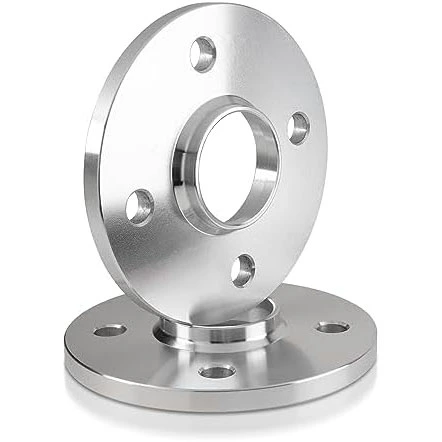
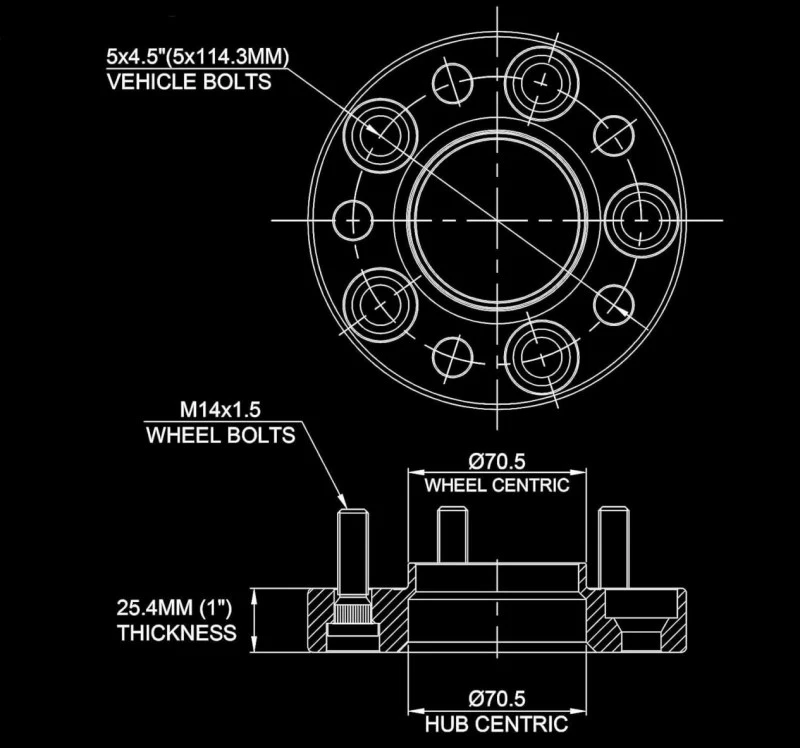
A product listing can identify the intended PCD or center-bore configuration, but the parts in hand still need to match the vehicle and wheel. J&W's 5x100 spacer example shows how product identity begins with named interface dimensions. Do not extend those dimensions to another vehicle.
Repeated loosening is a reason to inspect parts, not normalize the symptom
Remove a spacer or fastener from service for qualified assessment when there is cracking, deformation, elongated or damaged holes, stripped or galled threads, damaged seats, bent or loose studs, deep pitting at a loaded feature, or a mounting face that no longer sits flat. Also stop when the part identity or approved application cannot be confirmed.
Do not machine, redrill, grind, stack, weld, sleeve or shorten a wheel spacer or its hardware unless the exact product owner and vehicle procedure explicitly approve the modification. A visible repair can change center location, face parallelism, hardware clearance or material condition.
The next installation should follow the complete wheel spacer installation sequence, beginning with application confirmation rather than the fastener that happened to move.
Loose wheel spacer questions
Can wheel spacers come loose?
Yes. A wheel spacer assembly can lose clamp force when the mating faces do not seat fully, the hardware is wrong or damaged, a bolt bottoms out, thread engagement is inadequate, tightening is uncontrolled, or the exact recheck procedure is missed. Stop driving if looseness, clicking, new vibration or steering and braking changes appear.
Why does a wheel spacer keep coming loose after tightening?
Repeated loosening means the cause has not been removed. Possible causes include trapped rust or debris, wheel-pocket interference, mismatched seats or threads, damaged hardware, incorrect fastener length, a spacer or wheel that cannot sit flat, or movement at one of the clamped interfaces. More torque is not a diagnosis.
Should I tighten a loose wheel spacer harder?
No. Do not exceed the value or procedure specified for the exact vehicle, wheel, spacer and hardware. Extra torque can damage threads, stretch hardware or hide a seating problem. Remove the assembly from road use and have the complete fastening system inspected.
Can a hub-centric wheel spacer still come loose?
Yes. Hub-centric geometry can provide a locating path when all bore, lip and chamfer dimensions match, but it does not create clamp force. The mounting faces, fasteners, engagement, torque source and installation condition still have to be correct.
When should wheel spacer fasteners be rechecked?
Use the interval in the instructions for the exact spacer system and vehicle. There is no universal mileage for every design. For example, Eibach System 6 instructions specify checks at approximately 25 miles and again at 500 miles; that schedule must not be copied to a different product without approval.
Can I drive with a clicking noise after installing wheel spacers?
Do not continue a road test to see whether the noise disappears. Clicking after wheel work can indicate movement, contact or another wheel-end fault. Stop as soon as it is safe and have the assembly inspected before further road use.
Send the complete joint record
Include the vehicle and axle, wheel specification, spacer type and part identity, both center interfaces, fastener thread and seat, usable length, wheel-pocket dimensions, torque source, recheck instruction and clear photographs of every mating face.